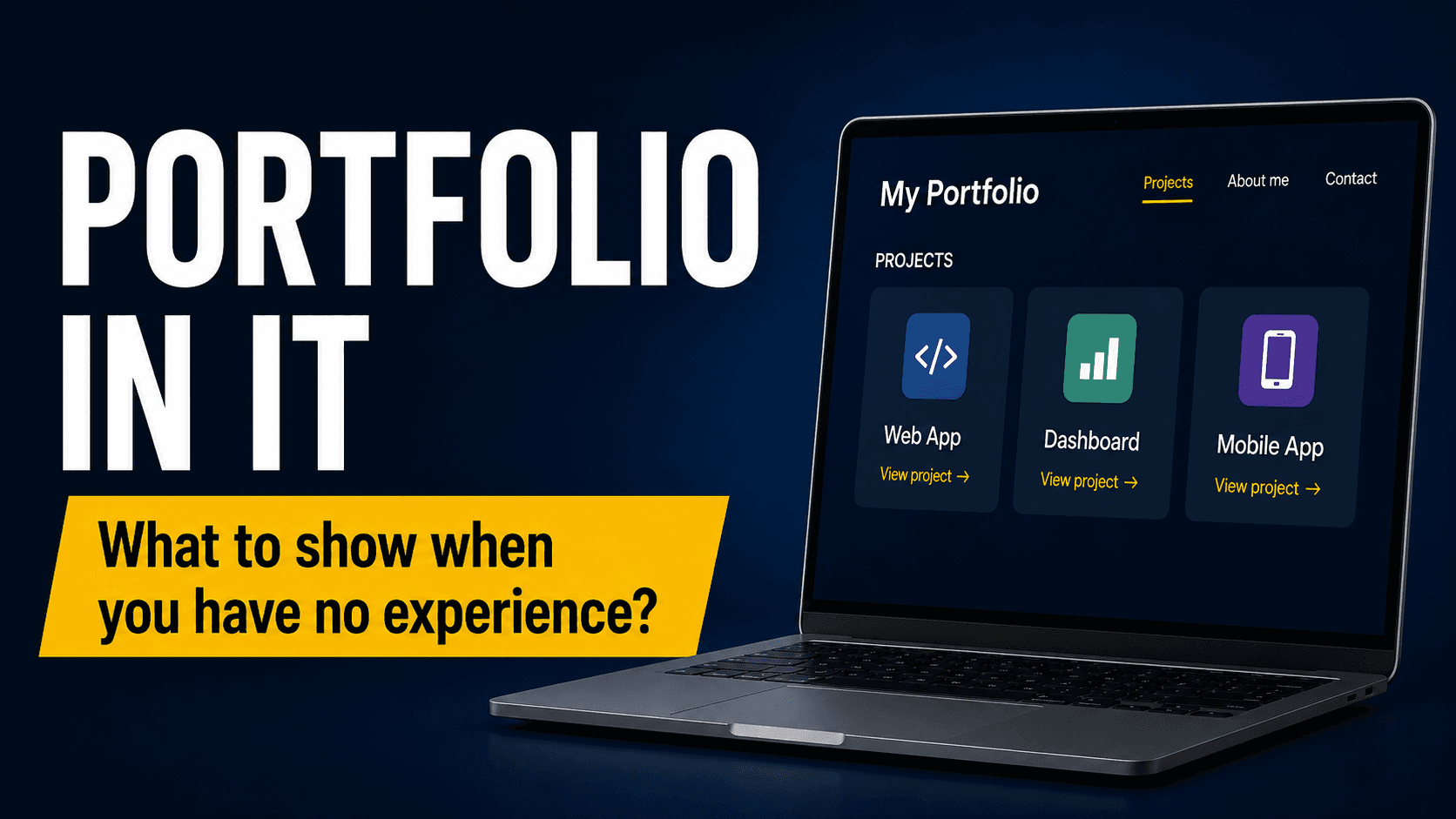
IT Portfolio — What to Show When You Have No Experience?
One of the most common problems for people who want to enter the IT industry is the lack of commercial experience. Job offers often include many requirements, recruiters ask about projects, and you may feel that without your first job, you have nothing to show.
Fortunately, that is not entirely true.
If you are just starting out, your experience can come from personal projects, practical tasks, test applications, automations, documentation, bug reports, test cases, or GitHub repositories. The key is not only whether you have already worked commercially, but whether you can show that you understand the basics and can use them in practice.
An IT portfolio should answer one simple question:
Can this person do something independently?
Why Is a Portfolio Important?
The CV of a beginner often looks similar: courses, training, certificates, basic technologies, and information about motivation to grow. Of course, this is important, but it may not be enough.
A portfolio allows you to show more. Thanks to it, a recruiter can see how you think, how you solve problems, and whether you have actually practiced specific skills.
A well-prepared portfolio can be especially helpful when:
- you do not have professional experience in IT yet,
- you are changing careers,
- you have completed a course or bootcamp,
- you are applying for a junior position,
- you want to stand out from other candidates.
You do not need ten large projects. It is better to have two or three well-described projects than many random examples without context.
What Should You Show in Your Portfolio When You Have No Experience?
1. Practical Projects
The most important part of a portfolio is your projects. They do not have to be commercial. They can be created independently, based on a course, a recruitment task, or your own idea.
Examples of portfolio projects:
- a simple web application,
- a demo online store,
- a task management application,
- automated tests for a sample website,
- an API collection in Postman,
- a data dashboard,
- an SQL project with a sample database,
- test documentation for a selected application.
The project should be clear. The person viewing it should quickly understand what you did, which technologies you used, and what the goal of the project was.
2. Project Description
A GitHub link alone is often not enough. A good project description can make a huge difference.
For each project, it is worth adding:
- a short description of what the project is about,
- the goal of the project,
- technologies used,
- the scope of your work,
- instructions on how to run it,
- the most important features,
- information about what you learned.
Example:
This project presents automated tests for a sample e-commerce application. The goal was to verify the most important user flows, such as login, product search, adding a product to the cart, and moving to checkout. The tests were prepared in Cypress using JavaScript.
This kind of description shows much more than simply writing “Cypress project”.
3. GitHub
GitHub is one of the best places to showcase your projects. Even if you are not a programmer, you can use it to present test code, documentation, SQL queries, API collections, or project files.
It is worth taking care of:
- clear repository names,
- a README file,
- an organized folder structure,
- no random files,
- a short instruction on how to run the project,
- a description of the technologies used.
For a beginner, the README file is very important. It often decides whether someone understands your project.
A good README should include:
- project name,
- description,
- technologies,
- installation instructions,
- run instructions,
- sample screenshots,
- functionality scope.
The goal is not for the project to be perfect. The goal is for it to be understandable.
4. Test Documentation
If you want to move toward software testing, your portfolio does not have to consist only of code. You can also show test documentation.
In a tester’s portfolio, you can include:
- test cases,
- test scenarios,
- bug reports,
- checklists,
- test plans,
- API tests,
- automated tests,
- examples of requirements analysis.
You can choose a sample application, a website, or a public demo and prepare documentation for it. This is a good way to show that you understand the testing process, can think analytically, and can describe bugs clearly.
A sample bug report should include:
- bug title,
- environment,
- steps to reproduce,
- actual result,
- expected result,
- priority or severity,
- screenshot or recording.
These are the things that really show a practical approach.
5. API Projects
API is a very good topic for a portfolio, especially for testers, junior developers, and people learning backend basics.
You can prepare a Postman collection where you show:
- GET, POST, PUT, and DELETE requests,
- response tests,
- environment variables,
- authorization,
- status code validation,
- JSON response structure checks.
Such a project does not have to be complicated. What matters is that it shows you understand the basics of working with APIs.
It is also a good idea to add a short description of what exactly you are testing and why.
6. Automated Tests
If you are learning test automation, even a simple project can be very valuable.
You can add tests written in:
- Cypress,
- Playwright,
- Selenium,
- WebdriverIO,
- Postman,
- JMeter.
You do not have to automate the entire application. A few well-prepared scenarios are enough, for example:
- login,
- search,
- contact form,
- adding a product to the cart,
- validation of error messages,
- basic API tests.
It is important that the tests are readable, have meaningful names, and are described in the README.
7. Projects That Show Your Thinking Process
A portfolio should not be only a collection of links. It is good if it also shows your way of thinking.
You can add short sections such as:
- what the problem was,
- what solution you chose,
- why you used a specific tool,
- what the biggest challenge was,
- what you would improve in the next version.
This shows maturity. Even if the project is simple, a good description of the process can make it look much more professional.
What Should You Not Add to Your Portfolio?
You should not put everything into your portfolio. Quality is more important than quantity.
Avoid:
- empty repositories,
- projects without descriptions,
- broken links,
- copied projects without your own changes,
- chaos in files,
- too many technologies shown only superficially,
- projects you cannot explain yourself.
If a project was created based on a course, try to add something of your own. It can be an additional feature, different test data, a new scenario, an improved README, or your own documentation.
What Should a Good Portfolio Look Like?
The simplest version of a portfolio can be a single page or a well-prepared GitHub profile.
You can create a simple page with:
- a short introduction about you,
- technologies you are learning,
- 2–4 projects,
- a link to GitHub,
- a link to LinkedIn,
- contact information,
- a short description of each project.
You do not need to build a complex website. At the beginning, clarity is the most important thing.
Example portfolio structure:
- Who am I?
- What am I learning?
- My projects
- Technologies
- Contact
That is enough to get started.
Example Portfolio Project for a Beginner Tester
If you do not know where to start, you can prepare a test project for a sample e-commerce application.
In such a project, you can show:
- test cases for login,
- a checklist for the shopping cart,
- a few sample bug reports,
- an API collection in Postman,
- simple automated tests in Cypress,
- a README with a project description.
This already looks like a concrete portfolio. It shows that you know the basics of manual testing, API testing, and automation.
Are Certificates Enough?
Certificates can help, but they are rarely enough on their own. A certificate shows that you know theory or completed a course. A portfolio shows that you can actually do something.
The best combination is:
course + practice + project + description + GitHub
This way, the recruiter sees not only that you are learning, but also that you can turn knowledge into practical work.
Summary
Lack of commercial experience does not mean you have nothing to show. In IT, practical skills are very important, and a portfolio is one of the best ways to prove them.
Start with two or three specific projects. Describe them clearly, add a README, and show code, documentation, or tests. Do not try to pretend to be an expert. Show that you learn consciously, work practically, and can finish a project.
A good portfolio does not have to be perfect. It has to be clear, specific, and truly yours.
If you want to develop your skills in IT, software testing, automation, DevOps, or artificial intelligence, check out the educational materials available at RafalPodraza.com.