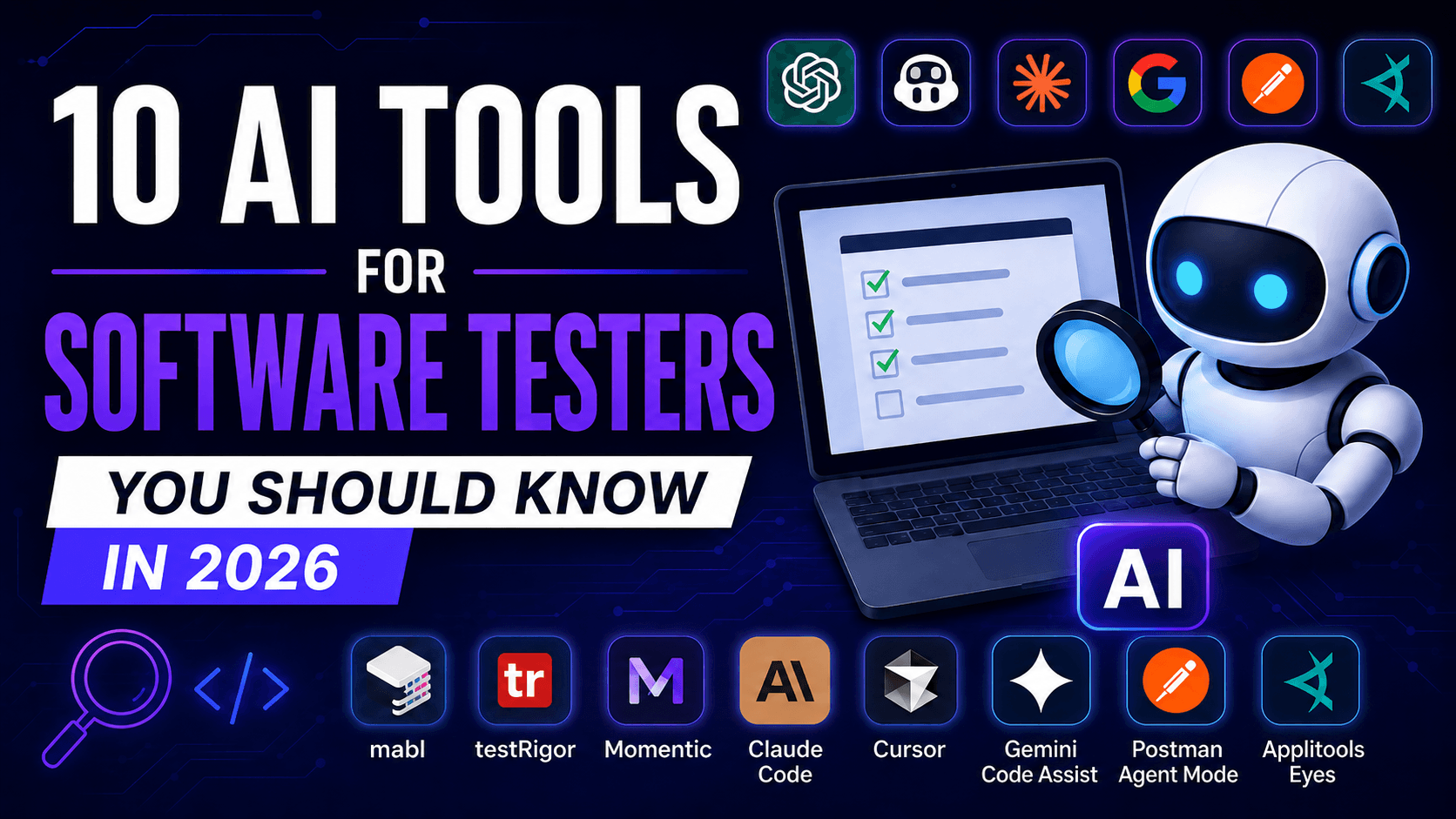
I would not treat this article as a traditional ranking either. ChatGPT and Applitools solve completely different problems. The important question is not which tool is the best overall, but which one fits a specific task.
1. ChatGPT
Let us start with the most obvious tool: ChatGPT.
Almost everyone has heard of it by now, but many testers still use only a small part of what it can do.
A typical prompt often looks like this:
Create test cases for a login feature.
The result is usually a short list of basic positive and negative scenarios. After seeing that, it is easy to conclude that AI is not particularly useful for testing.
The real problem is usually not the tool. It is the lack of context.
When I describe how the login process works, explain the available user roles, provide password rules and include acceptance criteria, the result becomes much more useful.
ChatGPT can then prepare test cases, point out missing requirements, identify contradictions and suggest edge cases that may not have been considered.
A software tester can use ChatGPT to:
- analyze requirements,
- prepare test cases and test scenarios,
- identify edge cases,
- generate test data,
- create checklists,
- write SQL queries,
- explain code,
- analyze logs,
- create Postman scripts,
- write automated tests,
- summarize test results.
A better prompt could look like this:
Analyze the following requirements for a registration form. First, identify any missing or unclear information. Then prepare positive, negative and boundary test cases. For each test case, include the test data, steps and expected result.
That is a much better starting point than simply asking for “10 test cases.”
ChatGPT can also work with uploaded files. A tester can provide a report, CSV file or documentation and ask the model to identify patterns, anomalies or missing information.
Before uploading anything, however, you should verify that the file does not contain confidential project data and that your company allows the use of the selected tool.
Will ChatGPT replace software testers? No.
It can generate a very convincing test case that has almost no business value. It can also suggest a non-existent method or use outdated syntax.
Its answers should be treated as proposals, not as unquestionable facts.
Best for: almost every type of tester, including manual testers, automation engineers, API testers and people involved in requirements analysis.
2. GitHub Copilot
GitHub Copilot is usually associated with software developers, but test automation engineers can benefit from it just as much.
Its most basic feature is suggesting the next part of the code while you are typing.
You can start with a test or even a simple comment:
// Verify that the user account is temporarily locked
// after three failed login attempts.
Based on the comment, the existing code and the project structure, Copilot can suggest an initial test implementation.
The value goes beyond writing individual lines of code faster.
Copilot can help with:
- Playwright, Cypress and WebdriverIO tests,
- generating assertions,
- creating Page Objects,
- refactoring repeated logic,
- explaining existing tests,
- identifying possible defects,
- generating test data,
- preparing project configuration,
- reviewing code changes.
The code review features are especially interesting from a QA perspective. Copilot can analyze changes and point out areas that may require additional attention.
It does not replace a human review, but it can act as an extra layer of verification.
Every suggestion still needs to be checked.
Copilot often follows the patterns already present in the project. If the repository is well organized, this can be very helpful. If the project is already full of duplicated code and questionable decisions, AI may simply continue those same patterns.
It is also important to remember that a technically correct test is not always a valuable test.
The code may execute successfully, every assertion may pass and the most important business rule may still remain untested.
Best for: test automation engineers who work regularly with code and GitHub.
3. Claude Code
Claude Code goes much further than a standard chatbot that generates one function at a time.
It is an agent that can analyze a repository, read files, make changes and execute commands.
Instead of copying one test into a chat window, you can ask Claude Code to handle a larger task involving several files.
For example:
Analyze the existing tests for the checkout process. Identify which scenarios are already covered, point out missing cases and prepare a test for a failed payment. Follow the existing project structure and do not make any changes before presenting a plan.
Claude Code can find the relevant files, read existing tests, inspect fixtures and prepare a solution that fits the current project.
It can be useful for:
- expanding a test framework,
- analyzing a large repository,
- finding missing test coverage,
- fixing broken tests,
- refactoring code,
- migrating between libraries,
- preparing configuration,
- running tests and analyzing results.
These capabilities are powerful, but they also require more control.
When an agent is allowed to modify multiple files, you should carefully verify what was changed.
A good approach is to request an analysis and a plan first. Only after reviewing the plan should you allow the tool to implement the changes.
Once the work is complete, review the diff and execute the tests yourself.
A vague instruction such as:
Improve my tests.
is usually not enough.
It is better to define the goal, scope and success criteria clearly.
Best for: more experienced test automation engineers who work with larger repositories and can independently evaluate the proposed changes.
4. Gemini Code Assist and Gemini CLI
Gemini Code Assist works directly inside the development environment, while Gemini CLI provides similar capabilities from the terminal.
In practice, these tools can be used in a similar way to GitHub Copilot or Claude Code: generating code, analyzing projects, fixing errors and handling more complex tasks.
A tester could ask Gemini:
Analyze this Cypress project. Find repeated code and suggest which parts should be moved into shared commands. First, provide a plan and a list of files you intend to change.
Gemini can also help with:
- automated tests,
- Bash scripts,
- GitHub Actions configuration,
- build error analysis,
- increasing test coverage,
- SQL queries,
- test data generation,
- explaining existing code,
- working with MCP-based tools.
Gemini CLI is particularly useful for people who spend a lot of time in the terminal.
Instead of constantly switching between a browser, editor and command line, part of the work can be handled directly from the console.
Is it a tool built specifically for testers? No.
Like Copilot and Claude Code, it was primarily designed for software development. Test automation engineers, however, perform many similar tasks. The line between “developer tools” and “tester tools” is becoming increasingly difficult to define.
Best for: test automation engineers who work in an IDE, use the terminal heavily or build solutions around Google Cloud.
5. Cursor
Cursor is a code editor built around AI-assisted development.
At first glance, it looks similar to a traditional development environment. The main difference is the integrated agent, which can analyze the repository, plan changes and modify multiple files.
A tester can use Cursor to create new tests that follow the existing structure of the framework.
For example:
Based on the existing login tests, create new tests for the password reset flow. Reuse the current Page Object Model, fixtures and naming conventions. Do not create a new helper if a suitable solution already exists in the project.
The last sentence is important.
AI agents sometimes create new helper functions, classes and files even when the project already contains a similar solution.
Cursor can help with:
- analyzing an entire test framework,
- creating new tests,
- refactoring Page Objects,
- preparing fixtures,
- identifying unused code,
- updating selectors,
- generating documentation,
- introducing new libraries,
- fixing defects.
The biggest advantage is access to the context of the entire repository.
You do not need to copy every code fragment into a separate chat and explain the project structure from the beginning.
The same feature also creates the biggest risk.
The more changes an agent can make, the more carefully those changes need to be reviewed.
Best for: test automation engineers who want to use AI directly within their everyday coding workflow.
6. Postman Agent Mode
Most API testers probably do not need an introduction to Postman.
Agent Mode adds the ability to describe tasks using natural language.
You can ask the tool:
Add tests that verify the response status is 200, the response time is below 500 milliseconds and every email field contains a valid address.
The agent can then prepare the relevant script and add it to the request.
It can also help with:
- creating requests,
- writing tests,
- fixing errors,
- explaining API responses,
- editing collections,
- creating mock servers,
- generating documentation,
- analyzing authentication problems,
- updating existing tests.
This can be particularly useful for people who understand the basics of API testing but are not yet fully comfortable with JavaScript.
You should still avoid reducing all API testing to checking status codes and response times.
An endpoint can return status 200 and still provide incorrect data.
A good API test should also verify the response structure, field values, business rules, error handling, permissions and the impact on other parts of the system.
AI can help write the test. Someone still needs to decide what should actually be tested.
Best for: API testers and people who want to create Postman test scripts faster.
7. Applitools Eyes
Imagine that an automated test verifies whether the “Buy now” button exists on the page.
The test passes.
After a recent change, however, the button is covered by a banner and the user can no longer click it.
From the perspective of a traditional assertion, everything may still be correct. The element is present in the DOM.
This is where visual testing becomes useful.
Applitools Eyes uses Visual AI to detect changes in the appearance of an application.
It can help identify problems such as:
- shifted elements,
- incorrect spacing,
- hidden buttons,
- missing images,
- browser-specific differences,
- broken layouts,
- unexpected changes in documents or PDF files.
Applitools can be integrated with popular automation frameworks.
The test still performs the normal actions, but at selected points it also verifies whether the application looks correct.
This is particularly useful in projects where the user interface changes frequently or must work across many browsers and devices.
Traditional assertions are still necessary.
A visual test may not determine whether a price was calculated correctly, whether a user received the correct permissions or whether the data was stored properly.
The best results usually come from combining functional and visual tests.
Best for: teams testing web applications, mobile interfaces and cross-browser compatibility.
8. mabl
mabl is a test automation platform that uses AI in several parts of the testing process.
It can support browser, mobile and API testing. It also includes features designed to make tests more resistant to application changes.
In traditional test automation, even a small selector change can cause many tests to fail.
Self-healing mechanisms attempt to recognize that the element still exists, even though the way it is identified has changed.
That sounds useful, but it should be approached carefully.
If a test is looking for a “Confirm” button and the tool starts clicking a similar but incorrect element after a UI change, you may end up with a passing test that executes the wrong flow.
Automatic repair should reduce maintenance work, not hide meaningful changes in the product.
mabl can help with:
- generating tests from descriptions,
- creating JavaScript snippets,
- analyzing failed tests,
- API testing,
- visual assertions,
- adapting tests to certain changes,
- integrating testing into CI/CD.
It can be an interesting solution for teams that want to develop automation without building an entire custom framework from scratch.
Best for: companies looking for a low-code platform for browser, mobile and API testing.
9. testRigor
testRigor allows users to create automated tests using instructions written in natural language.
A test may look like this:
click "Sign in"
enter "tester@example.com" into "Email address"
enter stored value "password" into "Password"
click "Continue"
check that page contains "User dashboard"
This format is much easier for manual testers and business stakeholders to understand than code based on XPath, CSS selectors and additional libraries.
testRigor can be used for:
- web applications,
- mobile applications,
- regression testing,
- API testing,
- email validation,
- file operations,
- end-to-end testing.
The main advantage is the relatively low entry barrier.
A tester does not need to learn a programming language and understand the full architecture of an automation framework before creating the first test.
Natural language does not solve every problem, however.
An instruction may still be ambiguous. If two buttons have similar labels, the tool needs to understand which one should be selected.
Someone must also design the scenario, choose the right data and define the expected result.
The syntax of a test can be simplified. The thinking process cannot.
Best for: teams that want to involve manual testers more deeply in test automation.
10. Momentic
Momentic belongs to a newer category of products: AI agents for software testing.
Instead of defining every technical step, you can describe the goal of the scenario. The tool interprets the task, navigates through the application and performs the required actions.
Momentic can be used for:
- end-to-end testing,
- automated exploration,
- identifying important user journeys,
- updating tests after product changes,
- regression testing,
- analyzing test results,
- running tests in CI/CD.
This approach shows where part of the test automation market is heading.
Testers increasingly describe the business goal, while the agent handles part of the technical execution.
That does not make the process fully autonomous.
An agent may understand how to complete a checkout flow, but it does not automatically know which discount rules are most critical for the company.
It may confirm that an order was submitted, while failing to notice that the wrong tax rate was applied for a specific country.
The more responsibility we delegate to AI, the more important it becomes to define the expected outcome precisely.
Best for: teams interested in agent-based end-to-end automation.
Which tool should a software tester start with?
There is little value in introducing ten tools at the same time.
Manual testers can start with ChatGPT and use it for requirements analysis, test data and edge cases.
API testers should take a closer look at Postman Agent Mode.
Test automation engineers can experiment with GitHub Copilot, Cursor, Claude Code or Gemini Code Assist. There is no need to pay for all of them at once. It makes more sense to test two or three and decide which one fits your workflow best.
If visual defects are the biggest problem, Applitools Eyes may be the right choice.
If the team wants to build automation without creating a large custom framework, mabl, testRigor or Momentic may be worth exploring.
Start by defining the problem. Then choose the tool.
Not the other way around.
Buying a platform simply because the homepage mentions AI is not a testing strategy.
What should testers be careful about when using AI?
AI tools can speed up work significantly. They can also generate a large amount of poor code, weak test cases and unnecessary changes very quickly.
Do not upload confidential data
Customer data, passwords, tokens, API keys, internal documentation and protected source code should not be shared with external tools without approval.
Before using any AI solution, check your company’s security policy and the provider’s data-processing rules.
Review generated code
Code that looks professional is not necessarily correct.
AI may use a non-existent method, outdated syntax or a library that is not installed in the project.
It can also create a test that always passes because the assertion does not verify anything meaningful.
Do not measure quality by the number of test cases
Generating 50 scenarios does not automatically mean the feature is well covered.
AI may create many similar test cases and still miss the one failure that would have the biggest impact on the business.
Testing is still about risk, not the number of rows in a spreadsheet.
Do not trust self-healing blindly
An automatically repaired selector may sound helpful.
You should still verify that the test performs exactly the same action as before.
A passing test can be more dangerous than a failing test when it silently interacts with the wrong element.
Do not stop thinking
The biggest risk is not that AI will make a mistake.
The biggest risk is that we stop noticing those mistakes because we become used to accepting the output without checking it.
Will AI replace software testers?
In my opinion, AI will not eliminate the software testing profession. It will, however, significantly change the way testers work.
Some repetitive tasks will become automated.
Preparing simple test data, writing basic assertions, creating an initial test draft or summarizing results will require less time.
At the same time, skills that are difficult to automate will become more important:
- understanding the product,
- assessing risk,
- analyzing requirements,
- asking the right questions,
- understanding business processes,
- understanding system architecture,
- critically evaluating results.
AI can prepare a test. Someone still needs to decide whether the scenario matters.
AI can write code. Someone must recognize whether the code is unstable or fails to verify the actual requirement.
AI can analyze logs. Someone must connect the technical error with what the user experienced.
Testers who learn how to use AI effectively will probably complete some tasks faster than people who ignore these tools completely.
That does not mean AI should be used for everything.
The goal is to recognize the situations in which it genuinely saves time or provides another useful perspective.
Conclusion
In 2026, AI is no longer an unusual addition to the tester’s toolkit.
ChatGPT can help with requirements and test cases. GitHub Copilot, Cursor, Claude Code and Gemini support work with code.
Postman Agent Mode makes API testing easier, while Applitools Eyes helps detect visual defects.
mabl, testRigor and Momentic show the direction automation is heading in: fewer manually defined technical steps and more focus on describing the result that needs to be achieved.
That does not mean the entire testing process should be handed over to AI.
The best results come when artificial intelligence is treated as an assistant.
It can handle repetitive work, prepare initial suggestions and speed up analysis.
The final decision should still belong to the tester.